 Meteor
 Solar wind
 Wormhole
 Ice geyser
 Cabin fire
 Hungry astronaut
 Slingshot planet
 Fire meteor
 Aurora
 Black hole
 Solar eclipse
 Pulsar
 Radiation belt
 Dark nebula
 Io volcano
 UFO
 Force field
 Star nursery
 Neutron star
 Magnetar
 Hull breach
 Ice comet
 Supernova
 Solar flare
 Asteroid belt
 Binary star
 Gravitational lens
 Space debris
 Time dilation zone
 Rogue planet
 Gamma-ray burst
 Dark matter halo
 Dyson sphere
Friends, replays and leaderboards
Challenge and invite friends, climb the leaderboards, and watch, share and record your runs.
On this page3 parts
Where to find it Challenges › Any time › Friends
Friends and friend challenges
- Challenge a friend after a level: it sends a link to that level with your score to beat. When your friend opens it, you show up on each other's friends board.
- Invite a friend from Challenges or Share Brick Smasher in Settings (⚙): once they play, they're on your friends board too.
- The friends board ranks you against everyone you've challenged or invited.
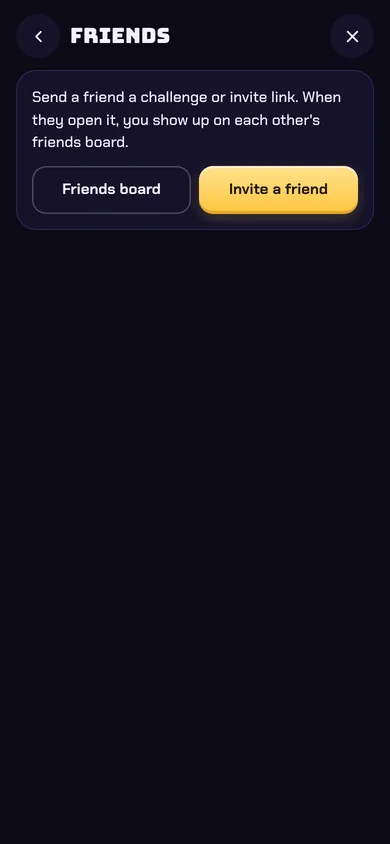
Invite a friend from the Friends card, or tap Challenge a friend after a level. 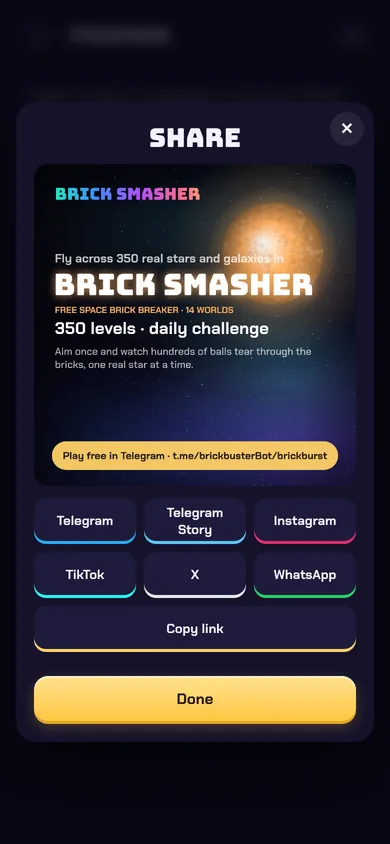
Share your card to Telegram, WhatsApp, X, TikTok or Instagram, or copy the link. 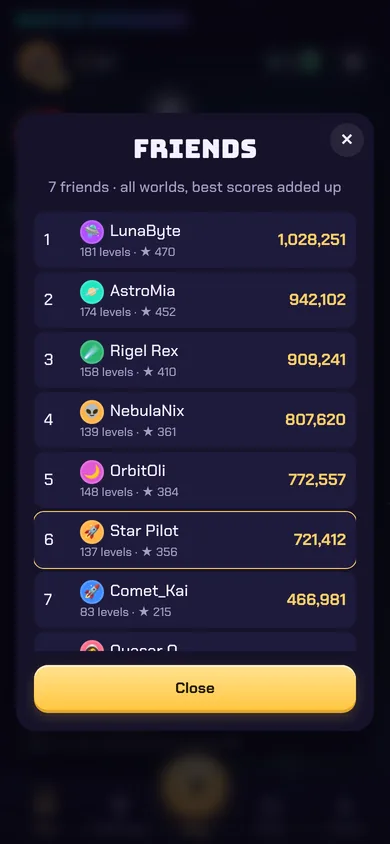
Friends board: you and your friends, by all your best level scores added up.
Leaderboards
- Level: your best run on each level.
- World: your best level scores in that world added up.
- All worlds: all your best level scores added up.
- Daily, weekly cup, endless and league boards, plus your friends board.
- A level won with a Tame or Twist shows 🔧. Only finished levels count. Stars break ties.
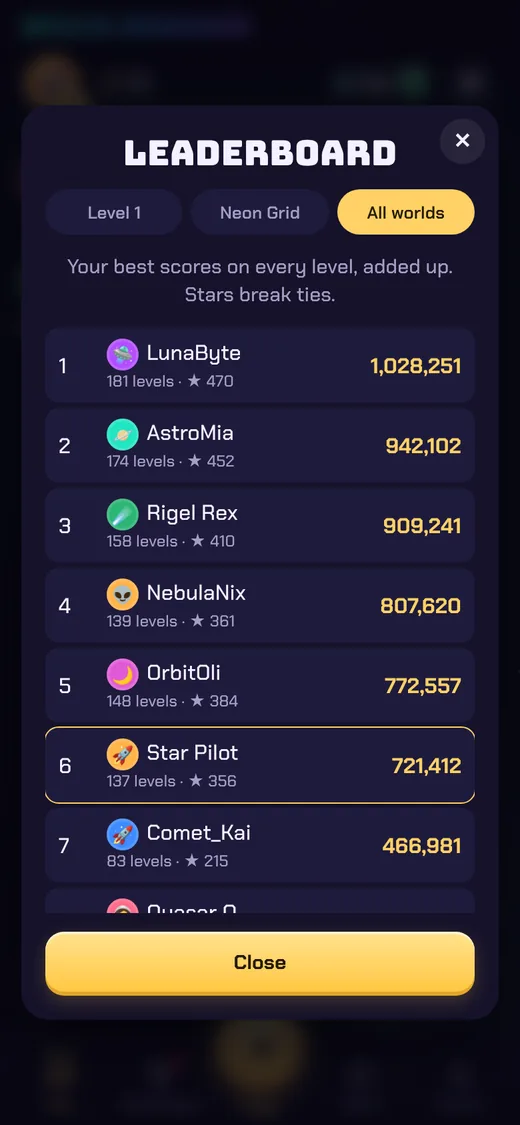
Leaderboards: ⚙ Settings › Leaderboard, or 🏆 on a level card. Tabs switch between the level, the world and all worlds.
Replays and sharing
Every level you play is recorded shot by shot. Watch it again, share it as a link, or turn it into a video for your socials.
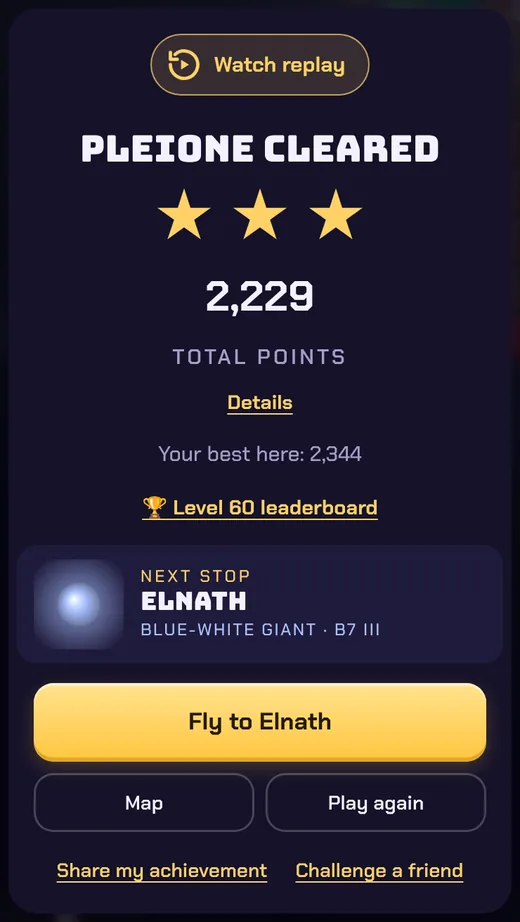
When a level ends (won or lost), tap Watch replay at the top of the result card. 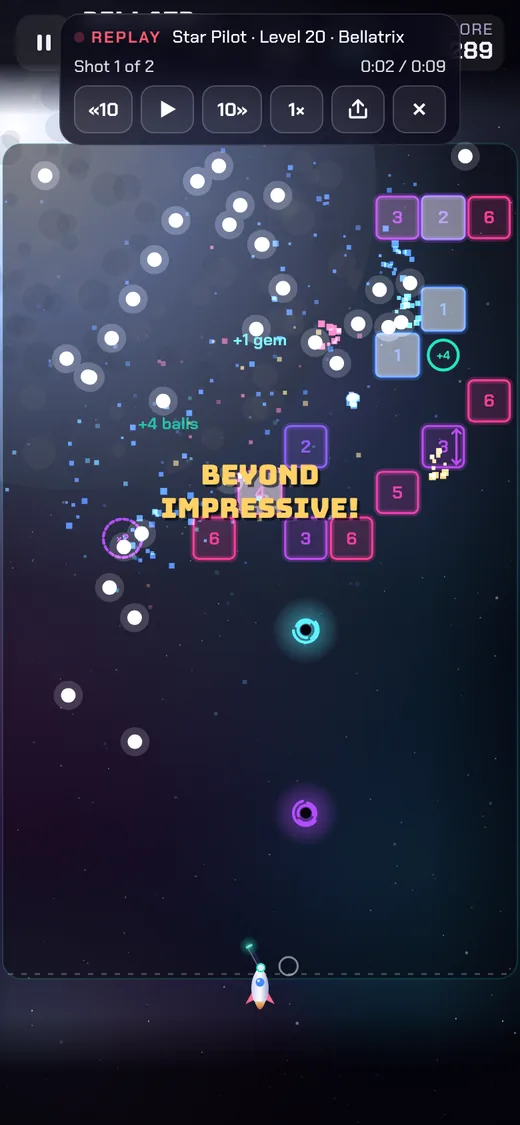
A replay paused on shot 1: back 10 s, play or pause, forward 10 s, speed, share and close. 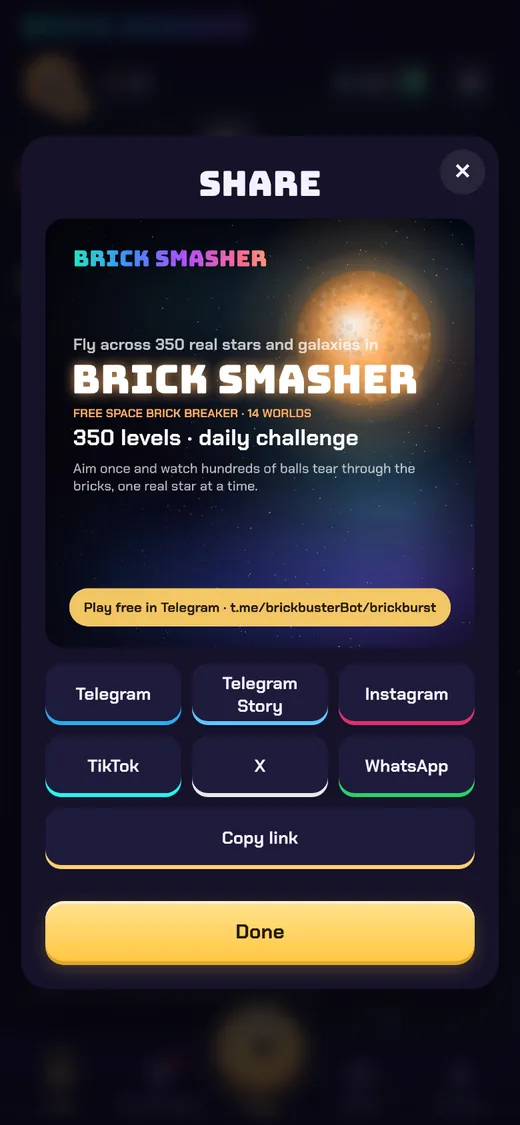
Share my achievement and Challenge a friend open the share card: send it to Telegram, WhatsApp, X, TikTok or Instagram, or copy the link.
- The controls: «10 back 10 seconds, pause/play, 10» forward 10 seconds, speed 1×, 2× or 4×, share and close. The controls fade after a moment so the screen stays clean; tap to bring them back.
- Only your most recent run is kept. Watching a replay never changes your progress, gems or score.
Share a replay
Tap share in the replay. Your friends get a link that opens the replay in the game, even if they've never played. Shared replays stay available for 30 days. Watching someone's replay doesn't unlock their level for you.
Make a video for TikTok, Instagram or YouTube
- Open the replay of your best run and set the speed you like.
- Start your phone's screen recording, then play the replay from the start.
- Trim the recording and post it. Tag the game and add the link t.me/brickbusterBot/brickburst so viewers can play.
Share an achievement or challenge a friend
- Share my achievement on the win card makes a picture of your result with the star you reached, ready for Telegram, Stories, Instagram, TikTok, X or WhatsApp, with a caption to paste.
- Challenge a friend sends a link to the level with your score to beat (see Friends).
- Share Brick Smasher in ⚙ Settings invites friends to the game.